Build and extend
API, MCP and webhooks
How scripts and external AI agents work with Volobox: a public HTTP API, a hosted MCP server and signed webhooks, all under the caller's access.
Volobox can be reached from outside and can reach out. Scripts, company tools and external AI agents call Volobox through a public HTTP API or a hosted MCP server, webhooks tell other systems when something happens, and agents inside Volobox call the MCP servers your administrators connect. Every caller reaches only what its access allows, so connecting a tool never opens more of the workspace than the person or app behind it may see.
The public HTTP API
The API is versioned and described by an OpenAPI file. It covers the workspace's work an outside script or agent has a use for: projects and tasks, chats, agenda, documents, files, support tickets, alerts and more, grouped into action groups.
A listed endpoint is not automatically allowed. Every caller reaches only the actions its groups and its access allow. The internal calls the Volobox app makes for itself are not part of the public contract.
Note
An app's records themselves are not reachable over the API or MCP today; only a published record's discussion is, through the Conversations group.
Start with Make your first API call. The contract is in the API overview and the endpoint pages under it.
The hosted MCP server
External agents connect to Volobox's own MCP server. It offers named tools for common work (agenda, projects, chats, meetings, files, alerts), a tool for every public action the connection may use, and catalog tools that let an agent find and describe those actions.
An agent connected this way reads what the person it acts for can read. Some actions stay a person's own even then and are refused: a reply that a customer would see on a ticket, a write to a client's drive, and a write into the discussion of an app record whose app keeps agents out. An outside agent also never adds a Volobox agent to a space, project, drive, file, chat or group, and never changes an agent's role there.
See Connect an MCP client and the MCP server reference.
How access is governed
Callers connect in one of three ways:
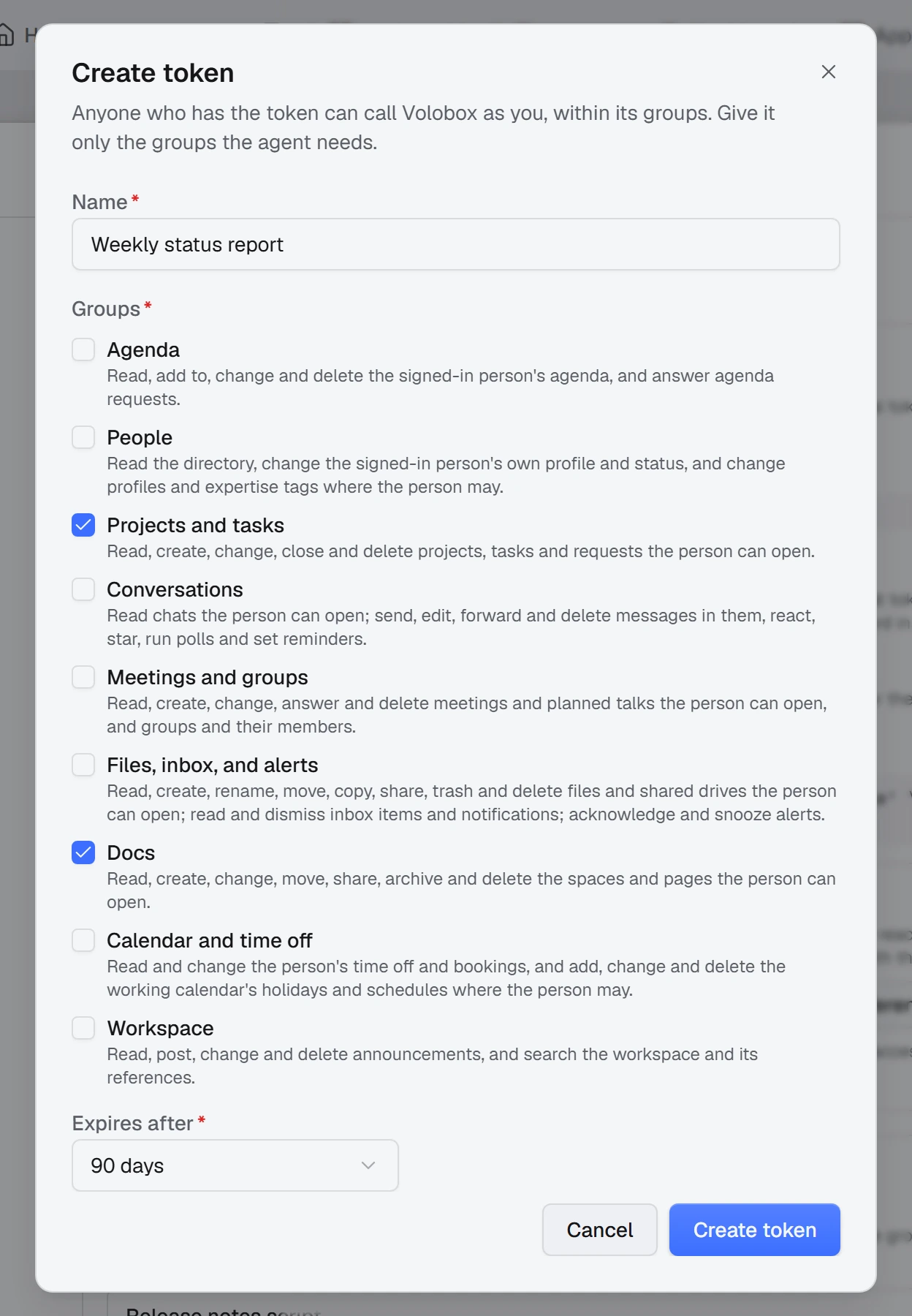
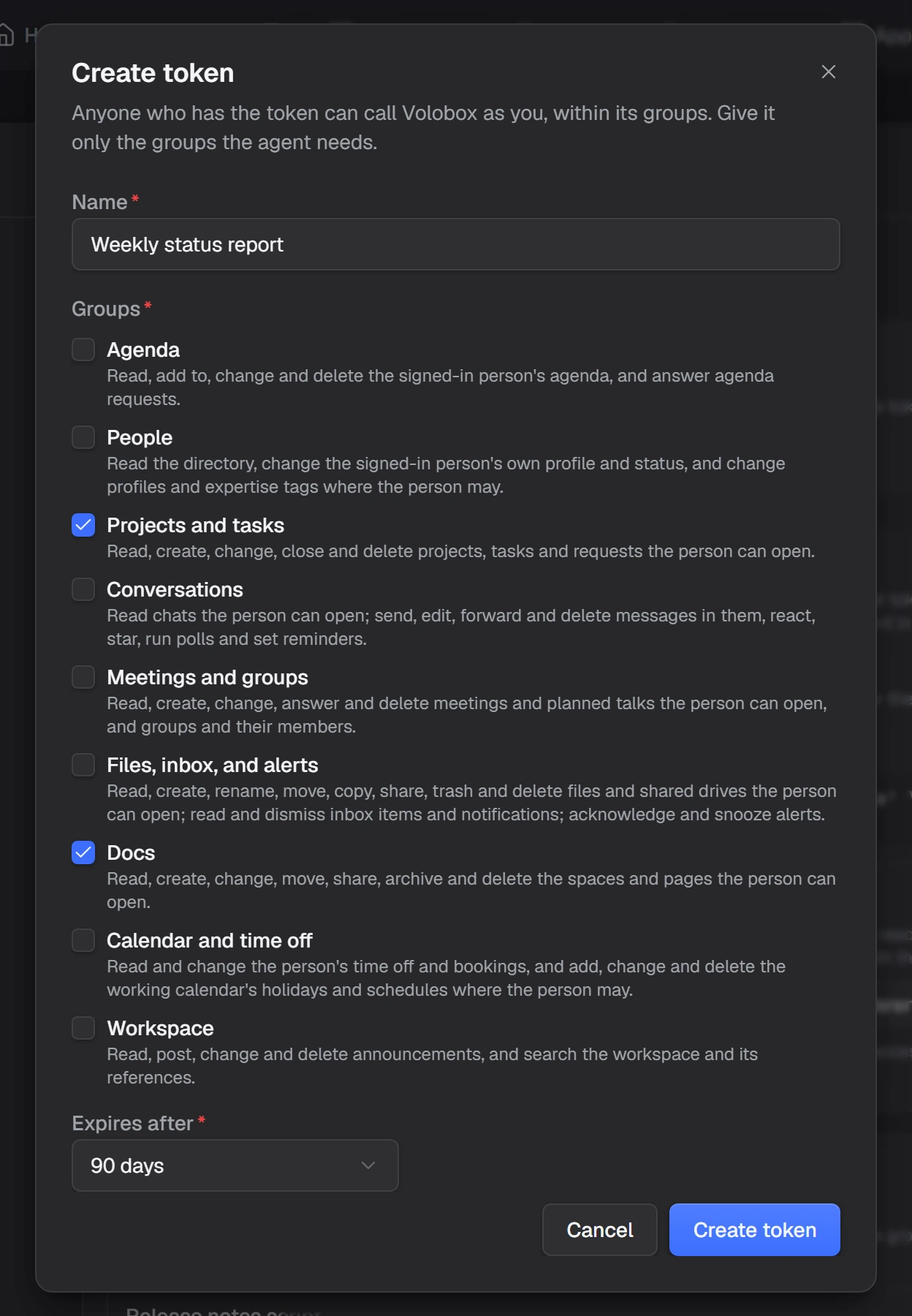
- Personal tokens. A person creates a token, chooses its action groups and when it expires, and gives it to an agent or script that then acts as them. Revoking it ends it at once.
- Sign-in. An agent sends the person to Volobox's sign-in and acts as them afterwards. The hosted MCP server lets an agent register itself this way.
- OAuth apps. An administrator registers an app with the action groups it may use. Either people sign in through it, with a consent page where each person can untick groups, or it runs as a service with a client secret.
Note
A service acts as nobody. Its secret works only for the Audit log, which is how a SIEM collects audit events.
Two-factor authentication works in these sign-ins. An administrator can rotate an app's secret or revoke the app, which ends every token issued through it. To build an app people sign in through, see Build an OAuth integration.
Webhooks
A webhook sends an HTTPS POST to an address you choose when an event happens, such as a task closed, a pull request merged or a customer reply on a ticket. Each webhook has its own events, can be narrowed to selected projects, repositories and support desks, and signs every delivery with its own secret so the receiver can verify it.
Webhooks carry ids, states and labels, not message or description bodies. Messages and meetings never leave the workspace through a webhook, and neither do personal alerts.
Each webhook has a delivery log with the request and the response, and a failed delivery is retried. A webhook that keeps failing is turned off and raises an alert.
See Receive and verify webhooks, the webhooks reference and the event catalog.
MCP servers your agents use
In the other direction, administrators connect external MCP servers so agents can use their tools. For each server they choose which tools Volobox offers, and who may use it: everyone, or selected people, groups and agents.
Credentials come from encrypted secret storage, or from an OAuth connection made once for the whole workspace, so a token need not be pasted into a form.