Start here
Home and Inbox
Your own view of Volobox: Home for today, one Inbox for everything that waits on you, your Agenda, and your tasks across projects.
Home, the Inbox and the Agenda are the personal side of Volobox. They show each person what needs them, what is planned for today and what they are working on, across every project, chat and agent. Team work lives in projects, chats and docs; these views gather your part of it and send you to the work.
Home
Home is the page you land on after signing in. Its overview shows:
- Next up, when a meeting is live or about to start
- Today's plan: meetings, agenda items and events from your connected calendars, in time order
- Needs you: approvals, pull request reviews, overdue tasks and requests waiting on you, most urgent first
- the tasks you have in progress or due soon
- what your agents are working on
Conditions that need attention, such as an insight crossing a threshold, show under Needs attention.
Home is a digest. It does not process work in place: it opens the right view.
Inbox
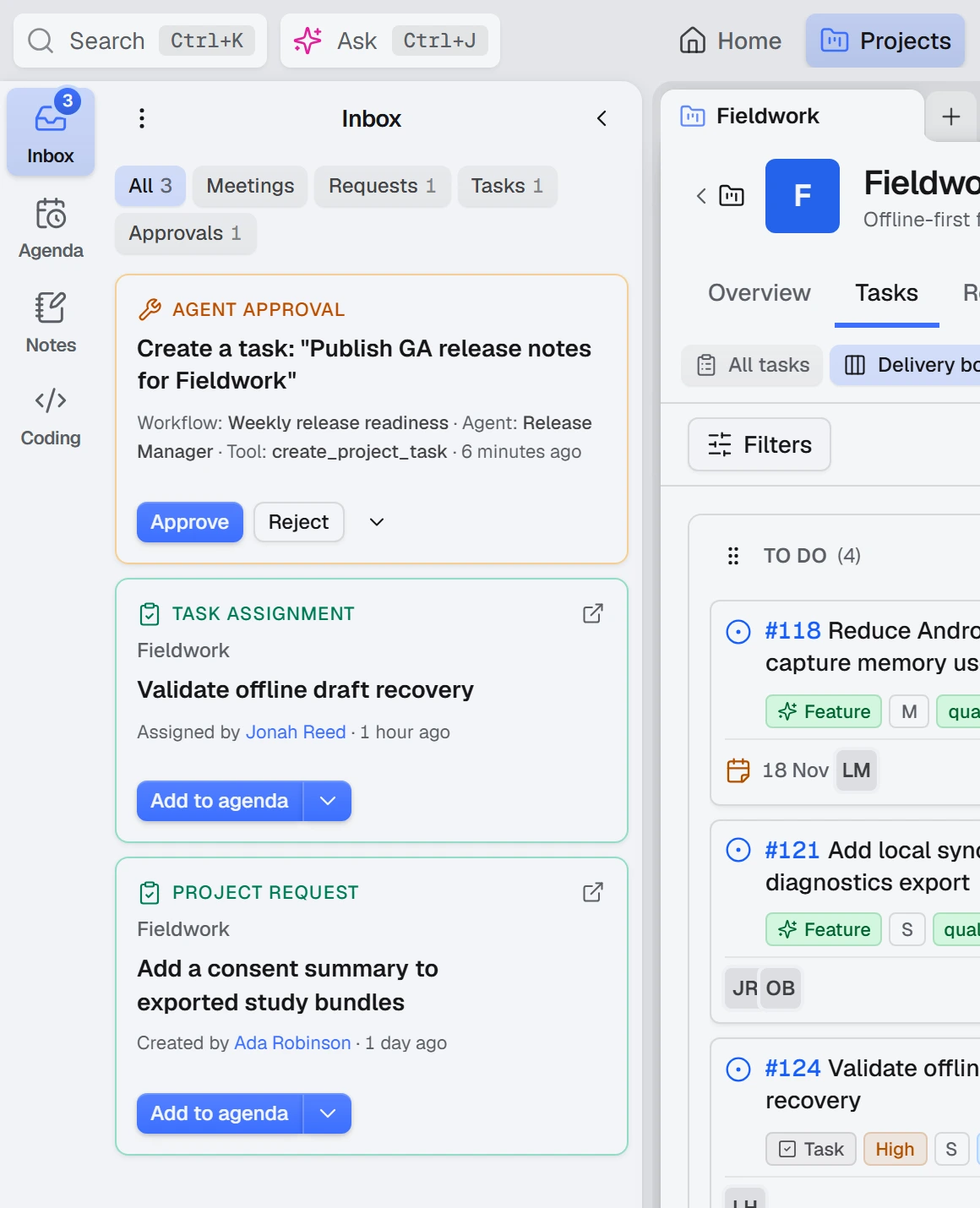
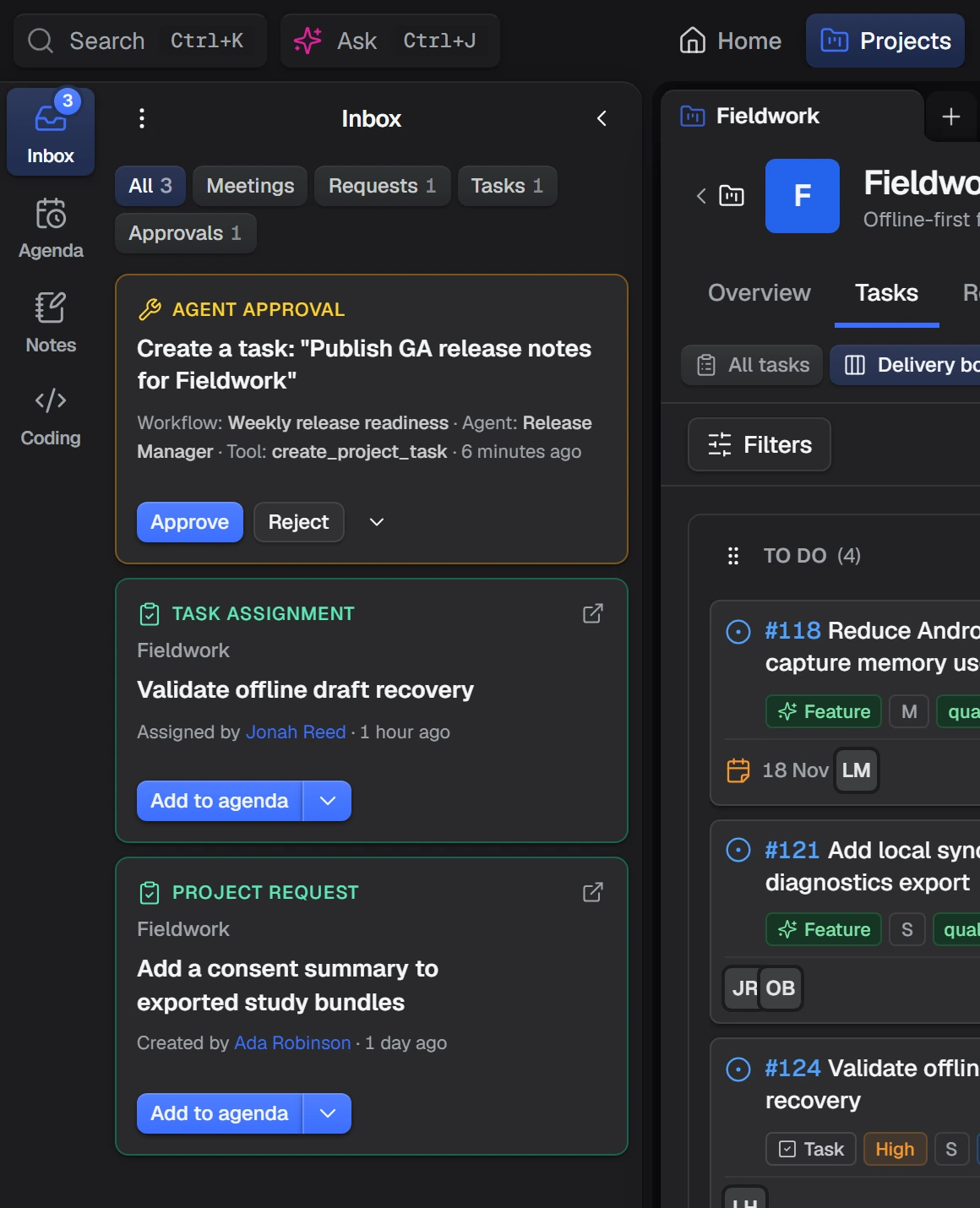
The Inbox is one queue for everything that waits for an action from you:
- task, request and pull request assignments
- meeting and calendar invitations, and requests for time on your agenda
- announcements that ask for a read confirmation
- vacation requests you approve
- support tickets assigned to you or waiting on your desk
- mail threads you own that wait for a reply
- cards sent by apps, and due reminders
Filters narrow it to meetings, agenda requests, tasks or approvals.
The notification bell is separate. It keeps a history of activity, while the Inbox holds only what needs a decision.
Approval cards in the Inbox
When an agent wants to make a change that needs a person, the approval card comes to the Inbox under Approvals, grouped by the agent that is asking. An agent's questions, plans waiting for approval, and changes escalated to an agent's manager arrive the same way.
An open approval cannot be dismissed: you approve, reject or answer it.
Note
A reply an agent drafted for a customer has no one-click approval. A person reviews the text and sends it.
Agenda
The Agenda side panel is your plan for the coming days: meetings, your own agenda items, and events from connected Google or Outlook calendars.
You can add an item to any day, drag unscheduled items between days, and make an item private or repeating. Marking an item's time as busy keeps meetings and booking pages away from it, and an item can become a task. Inbox assignments can be added to the agenda for the day you pick.
My tasks and Waiting PRs
My tasks is a board of every open task assigned to you, across all projects. You change a task's state or close it there without opening each project.
Waiting PRs lists the pull requests waiting on you: the ones you were asked to review and the ones you opened. Where a project uses AI review, it shows what the review found.
Reminders and nudges
Remind me on a chat message brings it back at the time you choose. It waits in the Agenda's reminders and then arrives in the Inbox with Done and Snooze.
To get a teammate's attention on a task or request, you can send a gentle ping. With permission, you can send an urgent nudge that asks for acknowledgement.