Collaborate
Meetings and calendar
Plan meetings on the provider you already use, see everyone's calendar as busy times, and let people outside book time with you.
The Meetings calendar is where a team plans the time it spends together. Anyone who schedules meetings can find a time that works, hold the meeting on Volobox Call or the provider the team already uses, and keep Google or Outlook calendars in step. People outside the team book time through a booking page, without an account.
Meetings and calls
A meeting is people coming together on a subject. It can be held on a Volobox call, on Zoom, Microsoft Teams, Google Meet or Jitsi, on a custom link, or in person.
A call is the live conversation itself, and it may have no meeting behind it. Calls started from a chat are described in Chat and calls.
Scheduling a meeting
A meeting has a title, a time, participants, an optional recurrence and a place to meet.
While you pick people and times, Volobox can check availability against their meetings, approved vacations, holidays, working hours, and busy times from their connected calendars. Administrators can define meeting types, which give meetings their color on the calendar.
Invitations arrive in each person's Inbox until they respond with Accept, Listen only, Maybe or Decline.
A meeting is Private by default, or Open to everyone, so anyone in the workspace can find it and add themselves. A private meeting can also be shown to specific people and groups, or keep its details confidential.
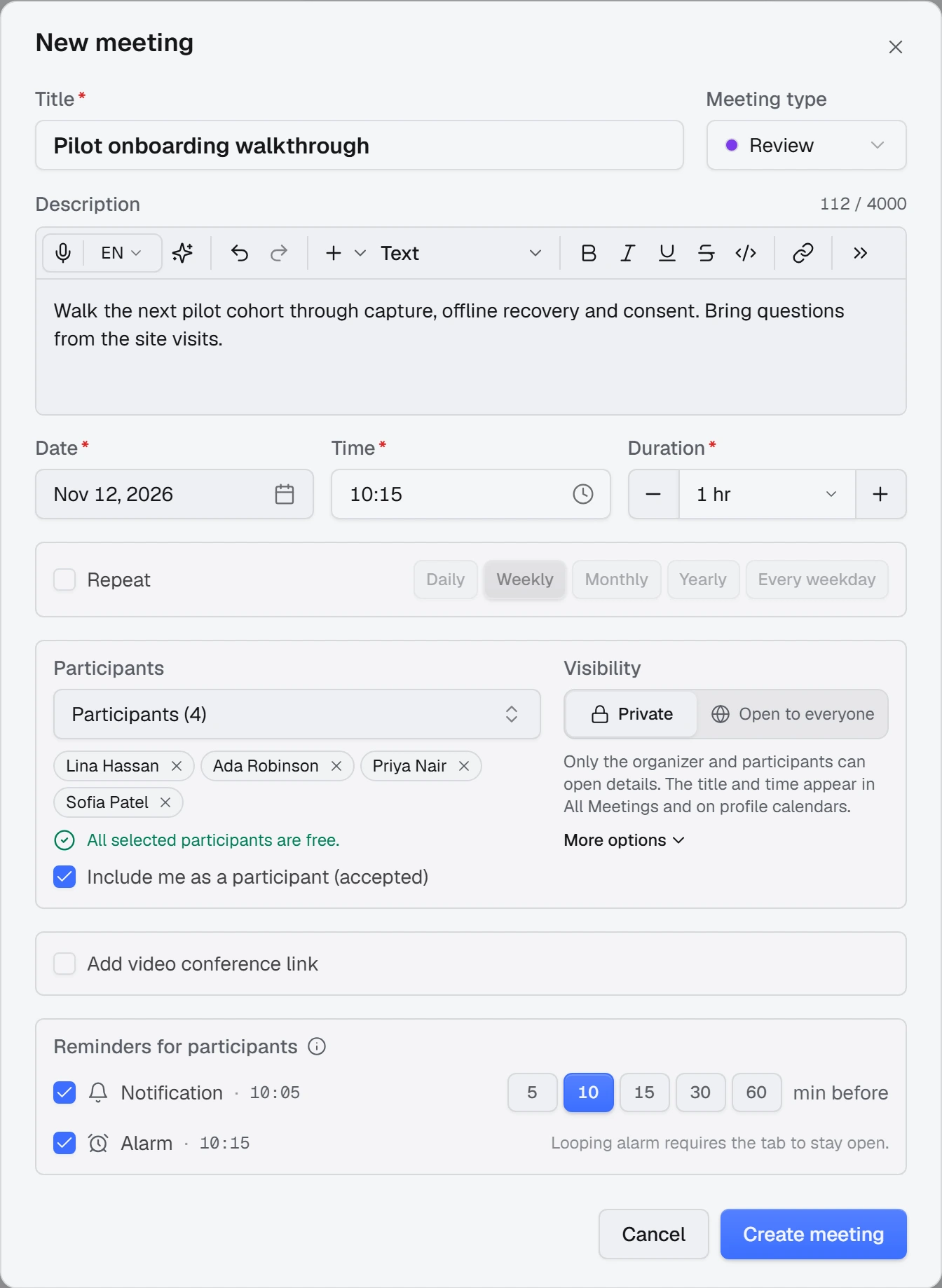
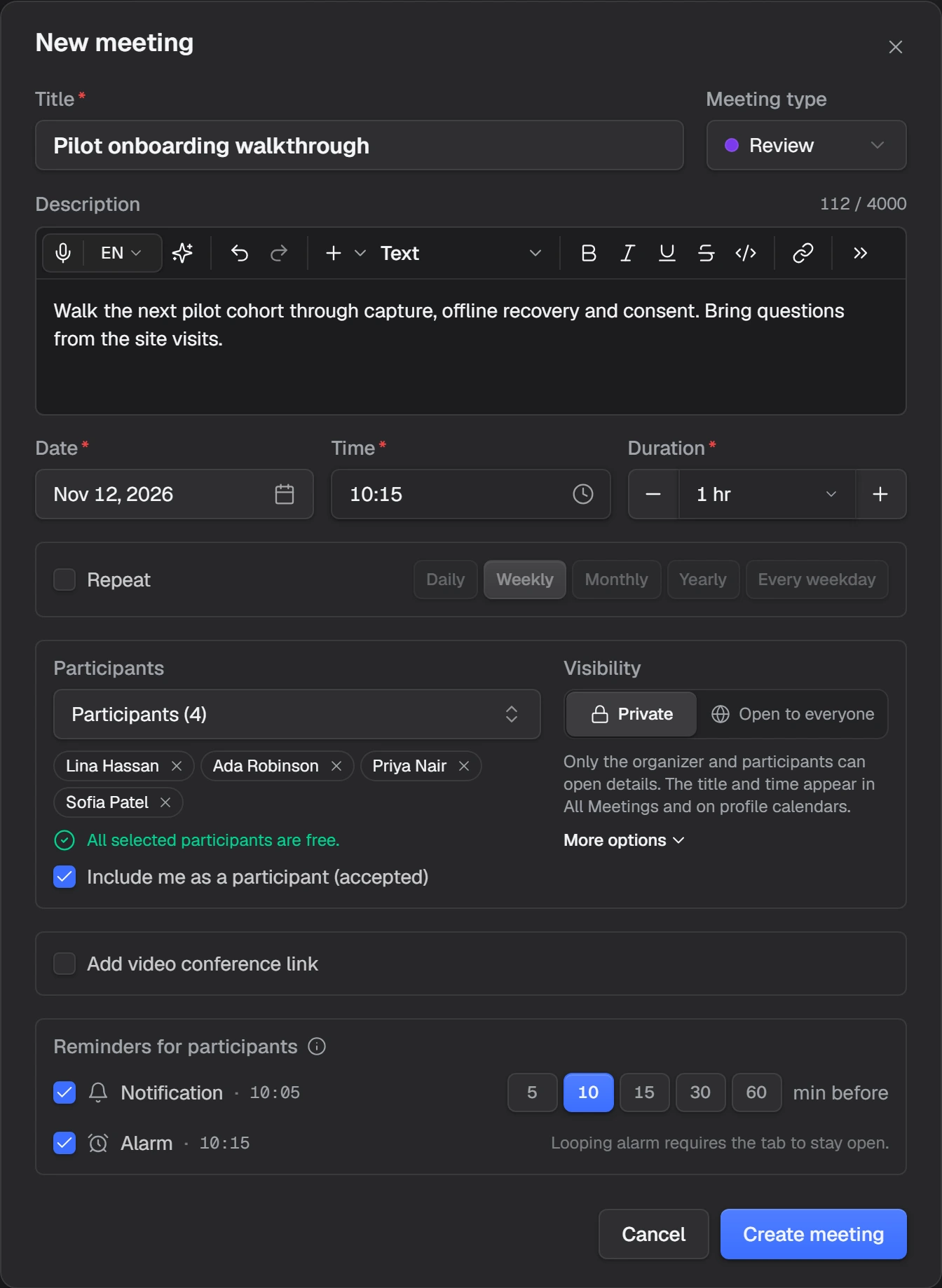
An assistant in Agent mode can schedule a meeting for you, or move one to another provider. You approve its proposal card like any other change.
Recurring meetings
A meeting can repeat on a schedule. People answer one occurrence or the whole series, and an edit can apply to one occurrence or to the series.
The title, time, conference link and meeting type can differ per occurrence. Participants and visibility belong to the series.
Where a meeting is held
| Provider | How people join |
|---|---|
| Volobox Call | Inside Volobox, in the meeting's own chat, with no external link |
| Zoom, Microsoft Teams, Google Meet | Through the provider's link, created from the meeting form |
| Jitsi or a custom link | Through the link |
| In person | No link; the meeting has a time and a place |
A meeting held on Volobox Call gets everything a call has: screen sharing, the call chat, transcription and call notes, which appear on the meeting's page.
An agent can be planned to join a meeting's call by itself, on Volobox Call or in Google Meet, Zoom or Teams. How agents behave in calls, and the conditions for outside calls, are in Chat and calls.
Calendar sync
Each person can connect Google Calendar or Outlook Calendar, or both, and add other calendars by their iCal address, such as a personal Gmail, iCloud or outlook.com calendar.
Note
Outlook Calendar is for Microsoft 365 work or school accounts. An administrator turns Google Calendar and Outlook Calendar on for the workspace.
Synced events appear in that person's Agenda and on Home, and the ones that are meetings appear in the Meetings calendar.
- Teammates see only Busy and a time: never a title, place, guest, description or calendar name.
- Blocks meetings decides, per calendar or per event, whether that time counts as busy for scheduling, agents and booking pages.
- Invitations can be answered from Volobox without opening Google Calendar, and an unanswered Google invitation also arrives as an Inbox card.
- Meetings planned in Volobox can be copied into your Google or Outlook calendar, so you see them on your phone and coworkers see you busy. Copying is off until you start it.
Booking pages
A booking page is a public link where people outside the team (prospects, candidates, customers) pick a time and book a meeting without an account.
The owner chooses what can be booked, the weekly hours, the questions guests answer, and which teammates host. Hosts can take turns, with each booking going to a free host, or all join together. Every booking becomes a normal Volobox meeting on the hosts' calendars.
Guests can move or cancel a booking from their own link. When a host can no longer make it, Volobox moves the meeting to another host who is free. If nobody is free, the page owner gets an alert.
Notes and Zoom AI insights
Every meeting has collaborative Meeting notes that people write together. They are kept separate from the generated call notes of a meeting held on Volobox Call or attended by an agent.
For meetings held on Zoom, a meeting can also show AI insights: Zoom AI Companion's own summary of a session. Volobox does not write it.
Note
AI insights appear only where an administrator has turned them on.